

You like to wear different clothes and look presentable every day, don’t you? Why let your phone suffer a monotonous look daily then.For that you can have a launcher in your phone.
A launcher is the first thing you see when you press the home button. So let us find out how to make it optimum for your usage.
Page Contents
Why does your Android phone need a custom launcher?
Launchers are one of the advantages which Android holds over iOS and its one of the favorite aspect of owning an Android smartphone or tablet device. For those who do not know what launchers are; they are basically your home screen replacement applications that help you design your home screen the way you want it to be. With these options below, you can go ahead and give your smartphone a new look and feel altogether.
Best Android custom Launchers for your Smartphone:
Nova Launcher
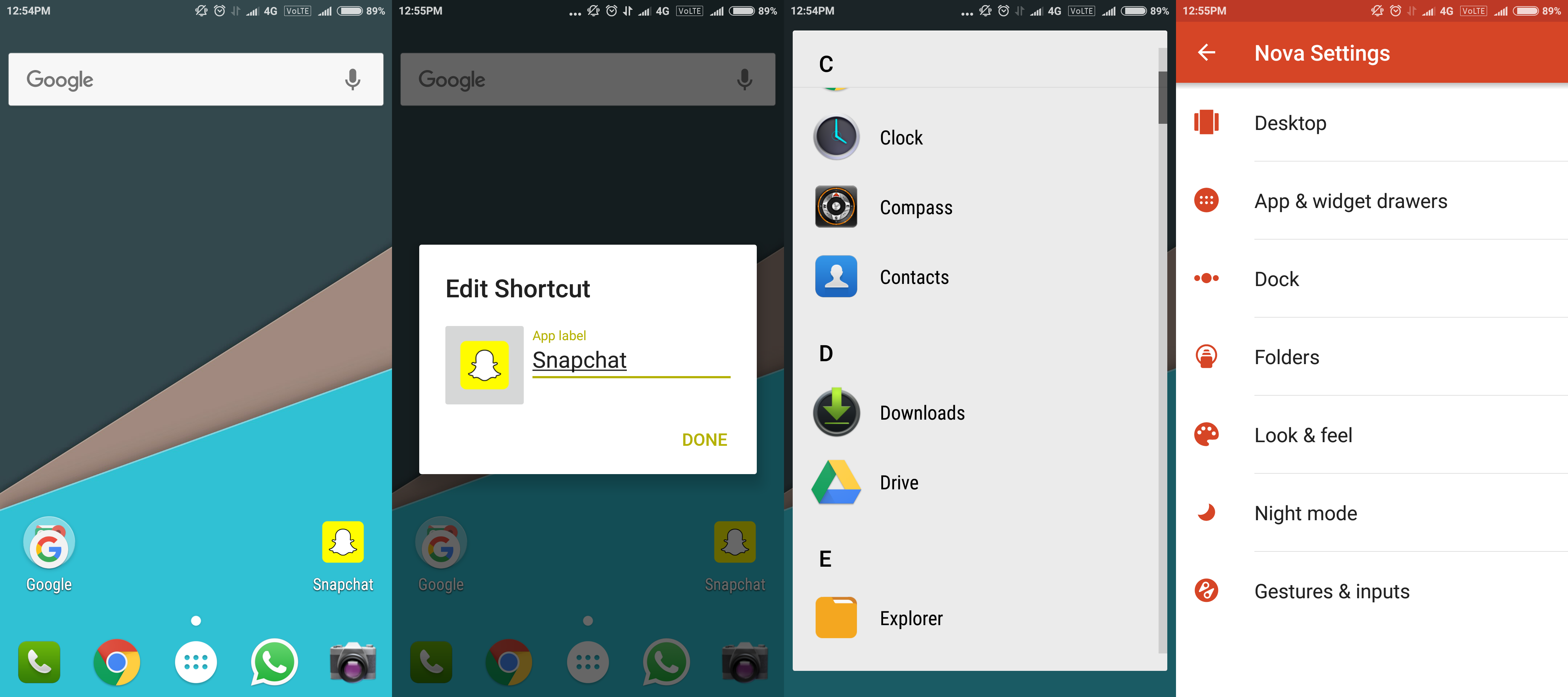
One of the oldest launchers in the list, Nova Launcher is your go-to launcher if you want customization without too many hassles. It makes customization with minimal performance impact on your smartphone, making it a very sleek and fast launcher to use.

Features like app drawer customization, icon pack support, themes, backup and restore of launcher layout and settings, along with some premium features like gesture support, custom app drawer groups, unread notification counts and so on, enable this launcher to give its user an effortless experience of enjoying a custom look and feel.
Buzz Launcher
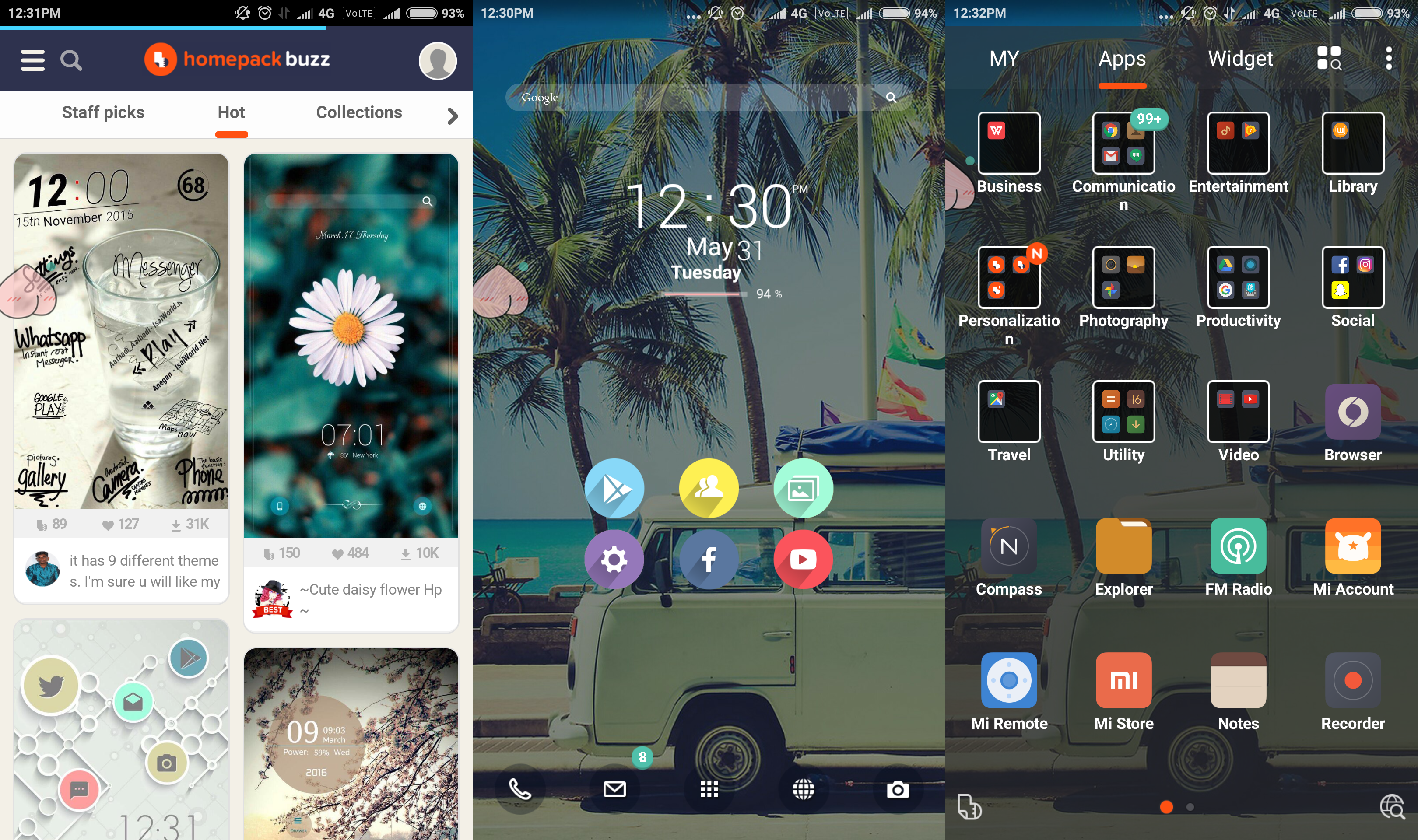
If you do not want to waste too much time behind customization but really do want to immerse yourself in the custom launcher experience, Buzz Launcher is the thing for you. Buzz Launcher lets you choose from an immensely wide variety of gorgeous pre-designed skins, aka ‘Homepacks’, swiftly and easily.
From simple to bright and bold, it will only take a little bit of effort for those lazy fingertips of yours to change the entire look of your home screen as and how you want it, when you want it.
Action Launcher 3
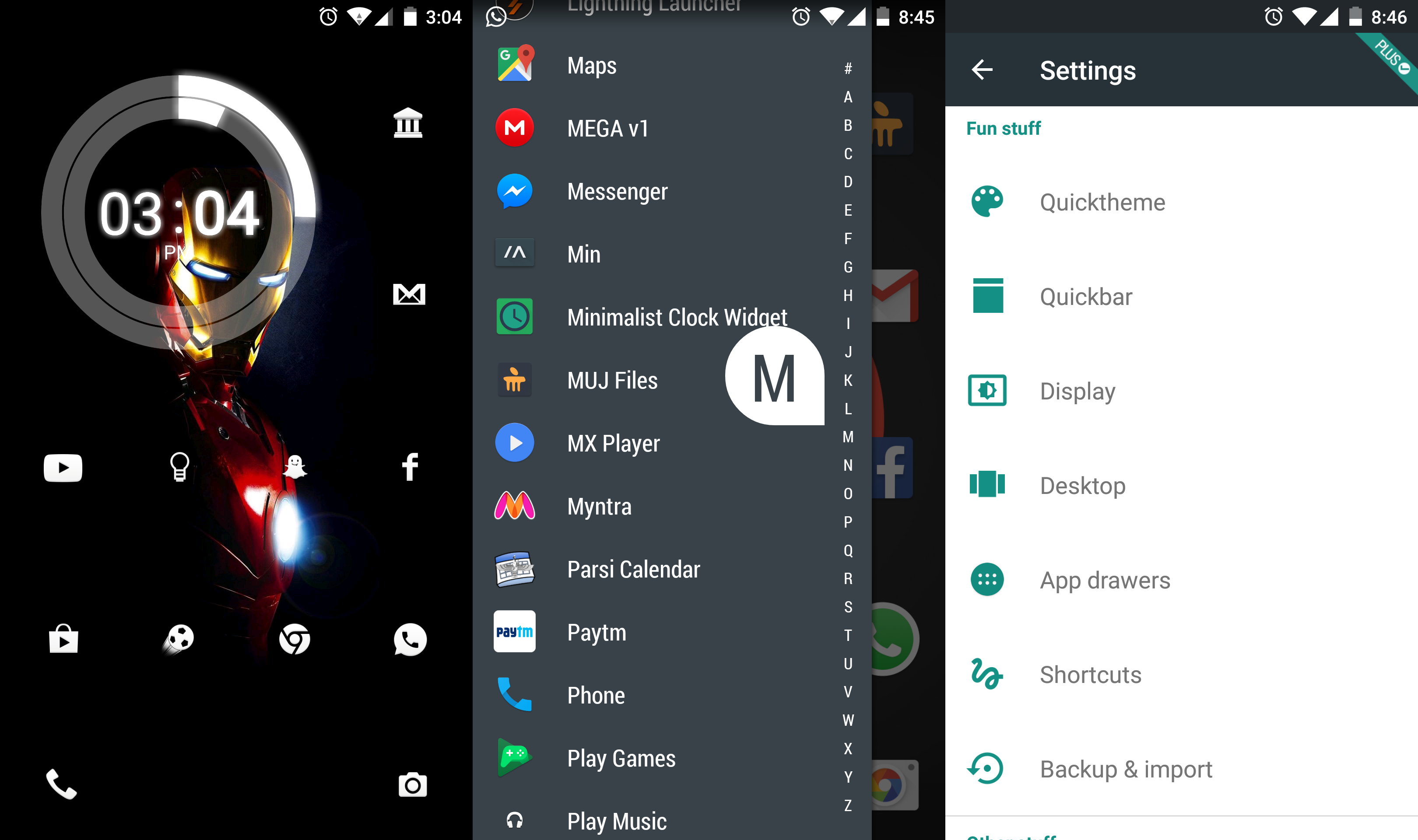
One of the most stable launchers out there, Action Launcher 3 is surely worth trying. With cool features like a slide-out app and widget drawer, customized search bar, swipe-across widget preview, it gives a very unique feel in its own way.
The launcher being based on material design, it blends in with your latest operating system as smooth as butter. Updates are rolled out pretty frequently to provide a nearly bug-free experience.
Lightning Launcher
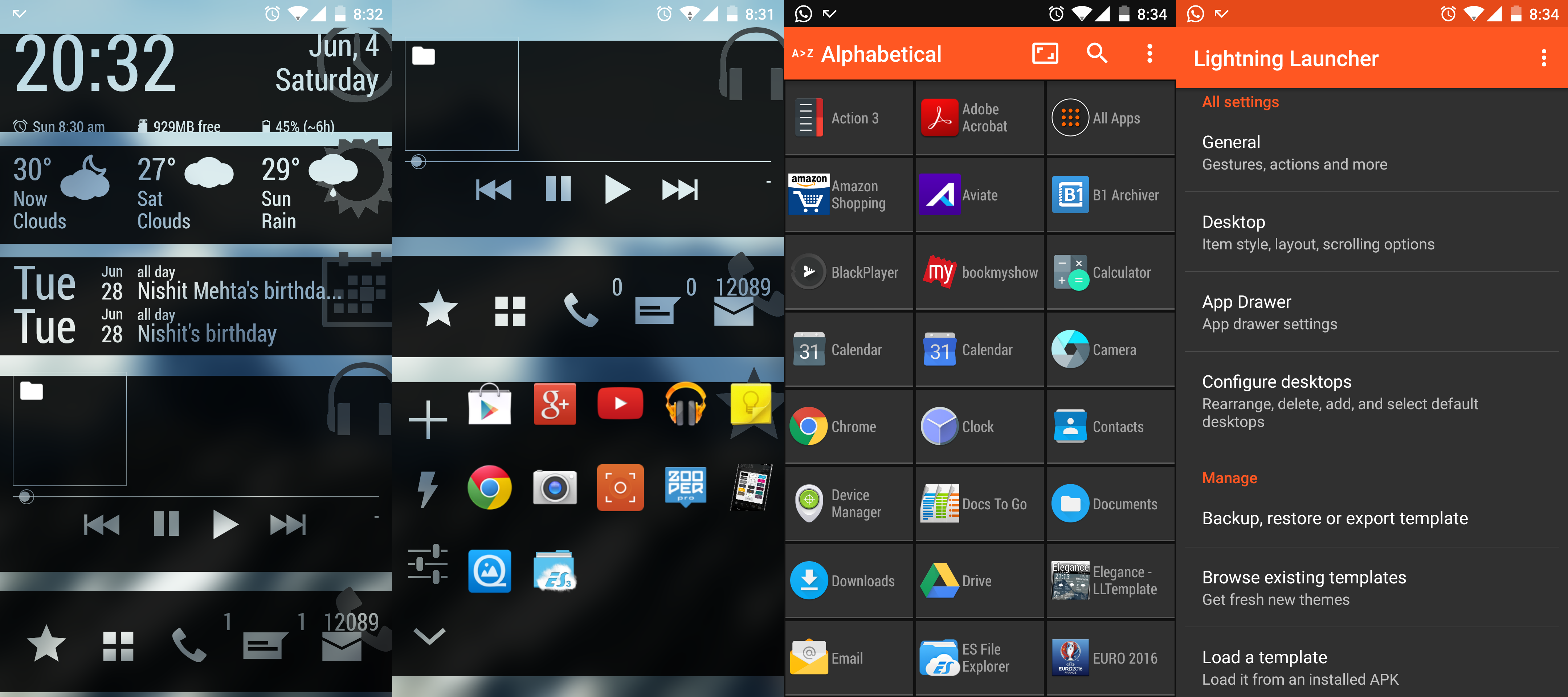
Not the most popular launcher on the list but its features are definitely jaw dropping. Being very simple appearance-wise, it bags a ton of creative features like moving and scaling app icons anywhere on the screen individually, Zooper Widgets integration, innumerable amount of home screens and other such crazy features.
Since it supports low-end Android devices, right from that good old Android 2.2. This launcher is sized just under a megabyte, which adds on literally negligible weight on to your CPU.
Yahoo Aviate Launcher
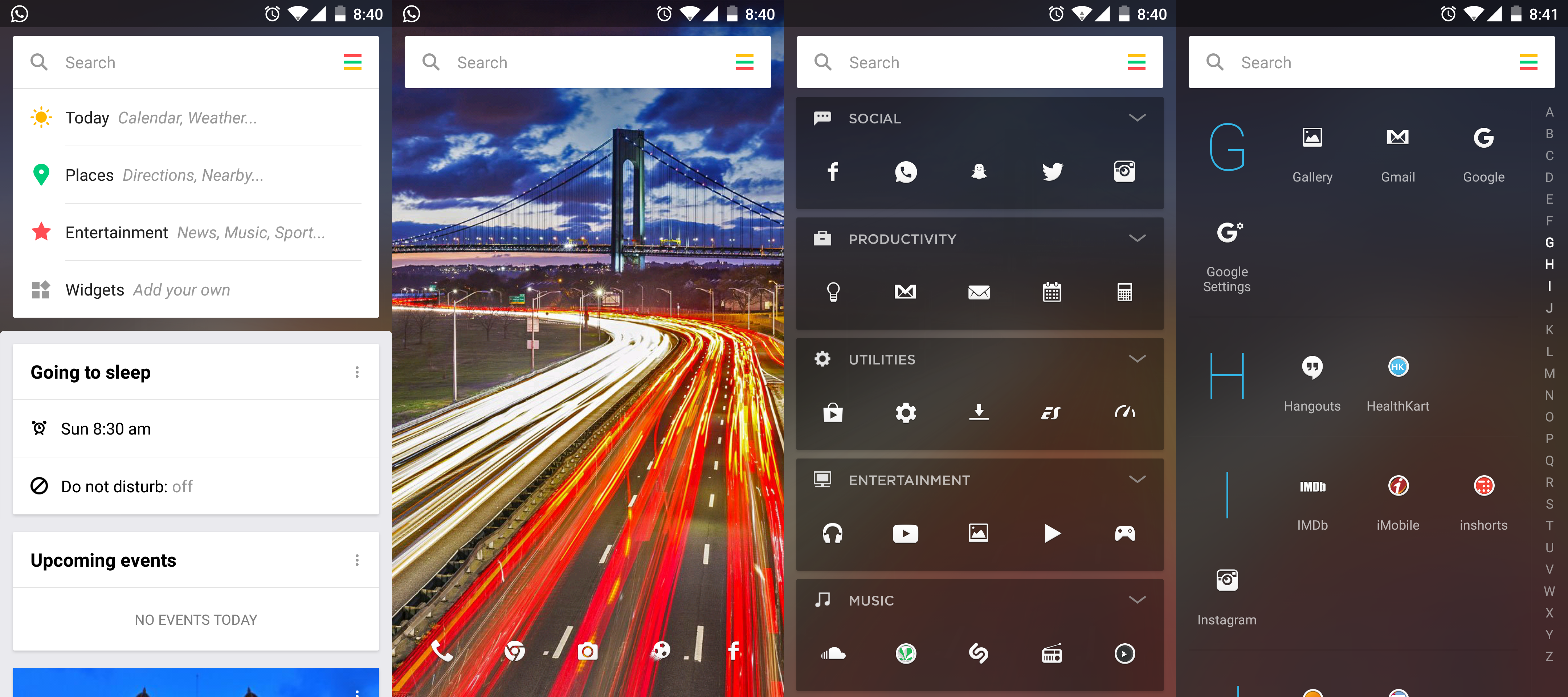
With powerful customization and sorting, Yahoo Aviate Launcher feels like a personal assistant, but is still a launcher. Giving a simple new layout to your phone, it intelligently sorts out the applications you use the most, categorizes applications and also provides an A-Z list drawer for them.
Start your day with weather updates and end it with alarm time recommendations on Aviate. The launcher takes some time to get used to your needs and requirements, which is surely shorter than the time you will take to figure out your girlfriend.
What are your thoughts on the above article? Feel free to leave a comment below if you think we’ve missed out on any great choices. Subscribe to our Facebook, Twitter and RSS updates to keep up with tech geeky stuff happening all around you.



Comments on this entry are closed.
Good one….very informative…keep on updating
Hi hanoz
The article was pretty cool.
Jst wanted to know whether these launchers require a particular phone configuration like a particular RAM of 1 gb or so?
Hello Jatin,
Glad you liked the article.
Regarding your query – All launchers stated above should work perfectly on any Android smartphone which has a RAM of 1.5 GB or higher but then it also depends on the amount of storage left on your device. If you have about 20% of storage free on your device, all of them should work just fine.
Thanks a lot the reply was pretty satisfactory.keep on updating.
I’ve used Launcher 3 and It’s really Perfect. Currently Thinking to use the others. Thanks lot for provide the news.
This is cool post. I love this post thanks for sharing this. 🙂
Wow..Your post was an eye opener Hanoz…very informative.
Thanx
Well done!!!!
Nice article bro!!Keep it up!
Very well said
all these launchers are really awesome . it works perfectly above the Android version 2.2.
The above-listed android launchers are very cool. Nice article bro
I knew Nova launcher was going to make the list… is there a way to download Android 7.0 Nougat on my phone?
Nice list. Currently, Lawnchair is best launcher for Android nougat & Oreo 🙂
Nice information. I like Nova launcher most.
Launcher 3 is still my all time favorite because they keep it clean and up to date. I will try lightning launcher soon i read good reviews for that launcher.
Thank you for providing the best Android Launchers.
It is really informative.